
Features
Looks simple. Does a lot.
Over thirty features that keep the whole household on one grocery list, keep things in order, and save you time and money.


Free, no account needed


A shared list makes family life easier
Everyone adds from their own phone, and a change one person makes shows up for the others right away.
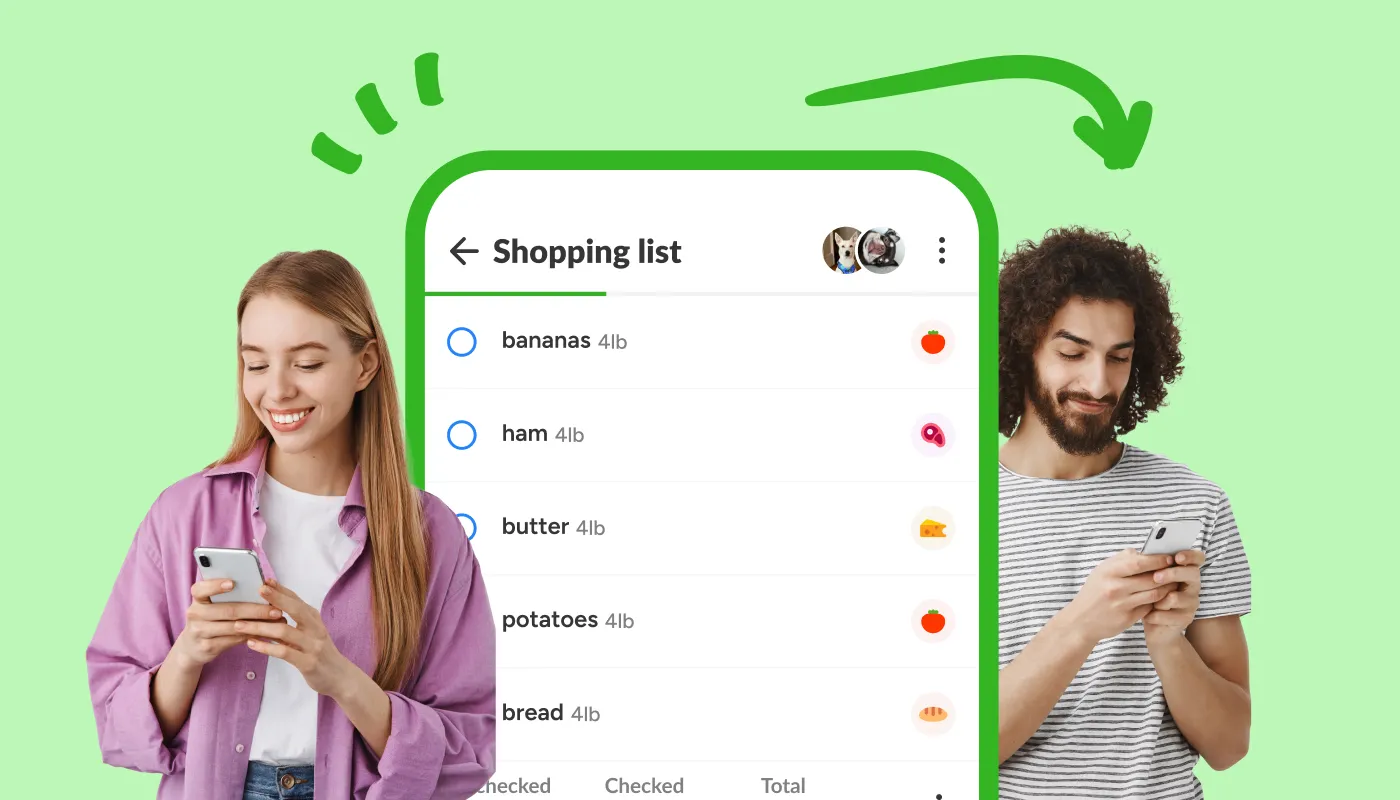
- Shareable shopping lists Invite family or roommates to the same list and edit it together in real time.
- Know when someone changes the list Get notified the moment someone adds, checks off, or edits an item on a shared list.
- Add quantities, units, notes & photos Whoever does the shopping brings back the right brand the first time.
- AI shopping assistant Describe a meal or occasion and let AI build the grocery list and plan for you.
Ask the assistant
- “What’s for dinner today?” Recipes that match what you usually buy.
- “What can I cook with this?” Send a photo of your fridge and the assistant suggests a recipe.
- “What should I get for a barbecue?” A ready list for a barbecue, a birthday or a week on a diet.
A clear list. A calm mind.
Your grocery list sorts itself, so in the store you follow one route without doubling back for the vegetables.

- Products divided into categories New items are grouped into categories automatically, so your list stays tidy without effort.
- Smart sorting by aisle Sort items by aisle, category, or alphabetically.
- Custom categories Your own names and icons, next to the automatic categories.
- Swipe or tap to check off items Works one-handed, with the basket in the other hand.
- Check off all items at once Mark the whole list done in one go, or uncheck it all to use it again.
- Open right where you left off Jump back into the last list you were using.
- Dark mode Shop in a dark interface that is easier on the eyes in low light.
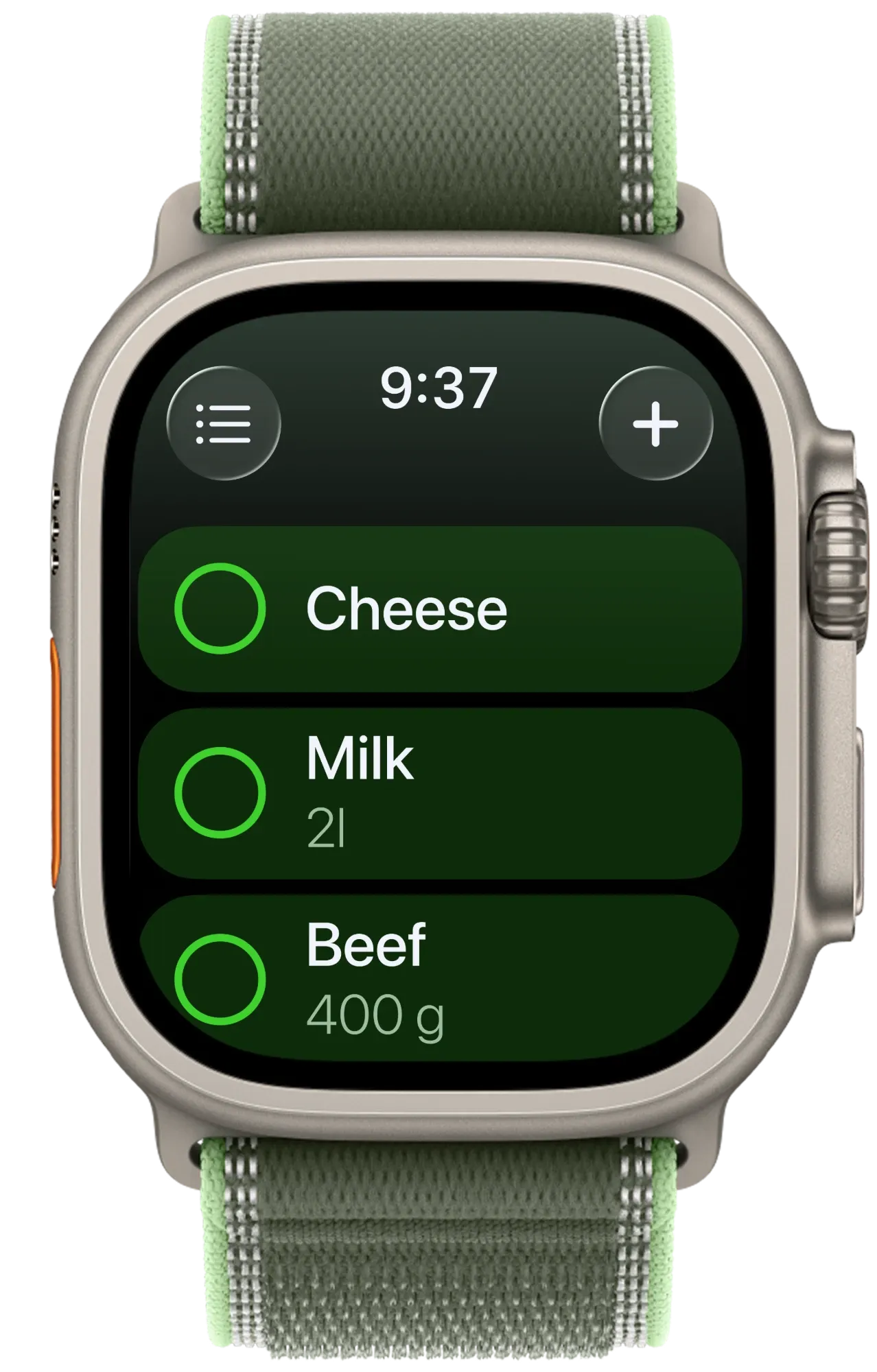
- Apple Watch app Tap to check off, speak to add, right from your wrist.
Save time. Spend less.
The app remembers what you buy and what you paid, so next week’s grocery list takes a minute.

- Add items by voice Add items while your hands are full.
- Product suggestions See popular picks based on what shoppers like you tend to buy.
- Visual catalog of products Browse a picture catalog of common products so you can add items faster than typing.
- Products from shopping history What you buy most often, offered first as you add to a list.
- Copy items to a new list Start from last week’s list and change only what’s different.
- Bulk actions Uncheck, delete, edit or copy a group of items in one move.
- Total cost calculation See the total cost of your cart before you check out.
A feature for every question
Write, speak or take a photo, and the assistant builds the list. It can also suggest what you buy most often.
See what the assistant can do- Create a weekly grocery list
- What’s in season right now?
- Give 3 quick dinner ideas
- What should I buy on a small budget?
- Which foods are high in protein?
- Suggest the products I usually buy
- Simple meals for busy people
- Can you freeze avocado?
- Help me restock my pantry
FAQ
Are Listonic features free?
The features this page lists are on the free tier: real-time shared lists, the AI planning assistant, item photos and total cost calculation are all included, with nothing held back for payment.
Do I need an account to start?
No. You can create a list and start adding items without signing up. An account matters once you want your lists synced across your own devices, or when you share a list by email rather than by link.
Does Listonic work offline?
Yes. You can view, check off and edit a list with no connection. Every change syncs automatically the moment signal is back, which is what makes the list usable in a shop with bad reception.
Which devices does Listonic work on?
Android, iPhone, tablet and desktop, syncing in real time between them. Everyone on a shared list sees the same list regardless of what they are using.
In how many languages is Listonic available?
Over forty. The app picks up your device language, so the product catalog and categories arrive already translated rather than as English text in a localized interface.


Free, no account needed, wherever you are
iPhone, Android and the web · works offline too · 40+ languages